
Are you confused between Windows VPS and a Remote Desktop Server? Don’t worry. You are not alone. These two terms are not alien to each other. Windows VPS is a type of server you lease, while Remote Desktop is a way to connect to that server. In this article, you will get an overview of both Windows VPS and RDP, their functioning and usage, and we will help you make a final choice on which one to choose as per your requirements.
About Windows VPS
A Windows Virtual Private Server (VPS) is a virtual server that runs on a physical server hosted in a data center. The physical server uses a method called virtualization to create several small virtual servers on top of it. Each virtual server has its own CPU, RAM, and storage device. The customer has total administrative control over the virtual server. Most VPS plans start with 2GB RAM and 40GB of SSD storage. The actual Windows operating system requires approximately 1.5 to 2GB of RAM to operate, so if you are going to use any resource-intensive applications, you will have to purchase a virtual server that has more than 2GB of RAM.
About Remote Desktop Server
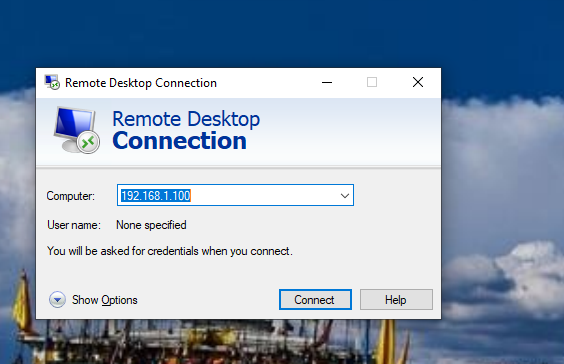
Remote Desktop Protocol (RDP) is a Microsoft-developed software technology that allows users to view the desktop of a remote PC on their local computer. When people talk about purchasing RDP accounts, they are actually purchasing access to a shared Windows machine that someone else owns. When you log on to the machine via RDP, you are sharing your resources with other users who are logged on at the same time. With a pure “RDP ” service, you do not actually own the physical server running the service; rather, you are using a “Guest account” to access the server remotely. You can only modify parts of the server that your user account permits.
Cost BreakUp
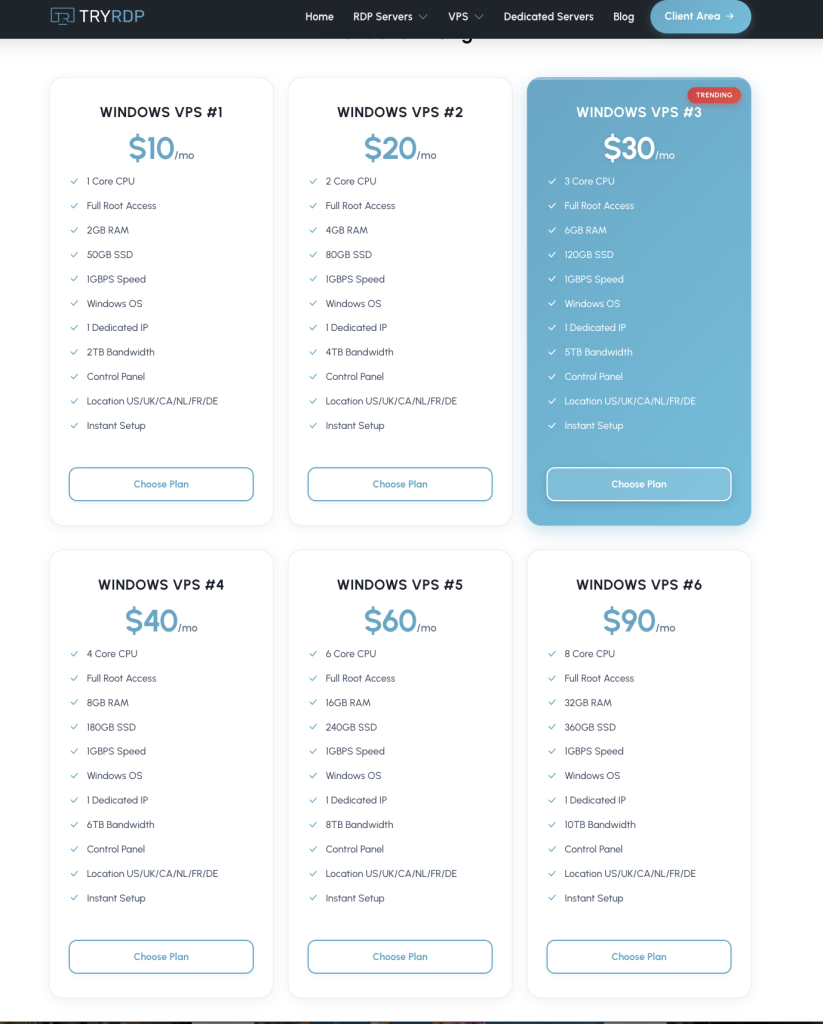
A Windows VPS includes the costs of the Windows license, virtualization technology, hardware, and support. All of these are included in the monthly fee. RDP services have comparatively better pricing because you are sharing resources with other users. A single physical computer can have 10,20, or as many as 50 users connected all at one time. Each user has a set amount of resources that are given to them by the provider.
You generally pay $% to $15 per month to access RDP and $20 to$40 per month for a Window VPS. There is also a hidden cost with RDP services. Sometimes, chances are there that your performance could decrease at times when other users on the same physical machine are performing tasks that consume loads of resources. With a VPS, you have an assured supply of your reserved resources.
Performance
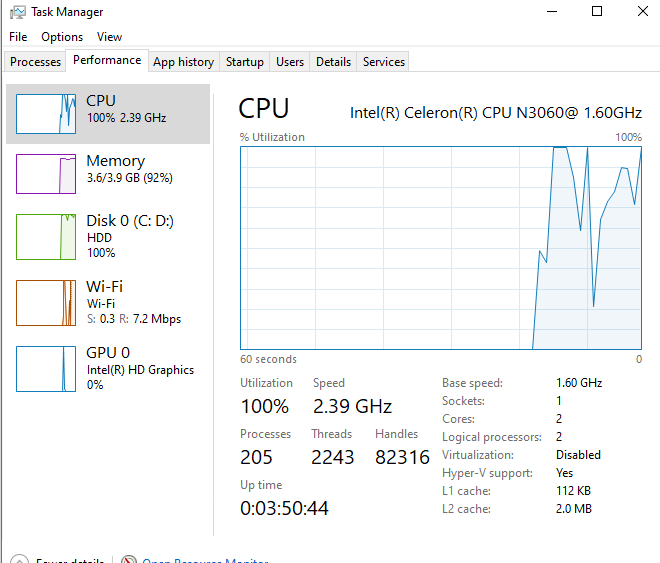
Windows VPS performance remains consistent throughout the day. You have exclusive use of all the resources. Regardless of whether you are using your Windows VPS to run a database, host a website, or run an application, the speed of your system remains predictable. The only variable factor is your internet speed connection.
In case of shared RDP service, you may experience performance fluctuations. Suppose one user who is using the same machine begins doing some heavy tasks, such as video rendering or data processing, you may experience a lag in the session.
In a 2025 independent benchmark survey comparing Hyper-V to KVM virtualization technology, it was determined that Hyper-V provided superior performance in CPU-heavy workloads with an average of 50% less overhead than KVM.
Multi-User Access and Management
A Windows VPS usually provides access to only two users simultaneously. If you want five or ten employees to access the server simultaneously, you must purchase additional Client Access Licenses. According to Microsoft, you can purchase a single-user estimated license based on the original default number of clients allowed to access the terminal server. The cost of a 5-user CAL pack is approximately $480, depending on the vendor. The external connector cost is $17,468, paid once.
Pure RDP services usually come with multiple users being able to utilize the service at the same time as part of the monthly fee. If your primary purpose for acquiring RDP is to give your (non-administrative) employees access to a remote desktop environment, then Pure RDP services are better than VPS.
Choosing Between Windows VPS and RDP
Step A: Identify which application to run.
Step B: Calculate the number of users. Choose VPS services if only one person is using it, but if there are five or more users, determine the total licensing costs.
Step C: Determine whether applications require full installation privileges. With VPS, you get full administrative rights, but with a standard RDP account, you may not get these rights.
Step D: Determine your level of technical comfort. Use a VPS if you feel comfortable managing a server or are willing to learn how to manage one, or else use a managed RDP service where you can simply open your application and start working.
Step E: Compare both monthly costs. VPS has hidden charges. For RDP, confirm if the price includes multi-user access. You can also read our blog on “how to choose the right RDP plan” for further assistance.
Practical Examples
Sample 1: Forex trading at home with RDP
To run automated trading bots, a forex trader on MetaTrader 4 or 5 requires a stable Windows environment that can function around the clock. Opting for an RDP service that delivers a Windows desktop, eliminating the need for software installation to host websites, is a wise decision. Traders often opt for RDP due to its affordability, as it fulfills their requirements without the need for a dedicated physical server.
Sample 2: Hosting a .NET application in a fully managed environment
An e-commerce business that requires an environment to host a custom-written, Net application with a SQL Server database needs a fully managed hosting provider that will provide them with full control of all aspects of their server. This includes installing security updates, configuring firewalls, and setting up automated backups, requiring complete access as a system administrator. To better protect your remote connection, refer to the article “Shared IP vs Dedicated IP for remote desktops.“
Common Mistakes to Avoid
People often purchase inexpensive RDP accounts hoping for server-level privileges. However, this can prove to be frustrating if you want to install specific software or make a change on your computer. To avoid this problem, ensure that you carefully read your provider’s terms and conditions regarding administrator permissions.
Concluding
There is no definitive answer as to which one is a better choice. The final choice depends on your requirements (i.e., how many users you will have). Ask your software vendor for details about hidden charges. The optimal choice will help save your money and reduce frustration over time.
Frequently Asked Questions
Q. Do I need any technical knowledge to use a Windows VPS?
A. No, but you need basic technical knowledge. Many hosting companies have managed VPS plans, i.e., they do all the technical work for you.
Q. Can I upgrade my VPS in the future?
A. Yes, certainly most VPS hosting companies allow you to add additional CPU, RAM, and storage without moving servers.
Q. Can I host a website with my RDP account?
A. No, an RDP account only grants access to remote desktops. To host a website, you need a VPS server.
Q. I have 10 employees in my company, which is the better option for me?
A. If you need only basic remote desktop access, use RDP because it is easier to administer than having a Windows VPS for hosting applications or websites. You can also combine both the solutions by having your VPS provide web hosting and using that VPS to give remote desktop access to your employees, as long as you buy the proper RDP licenses.